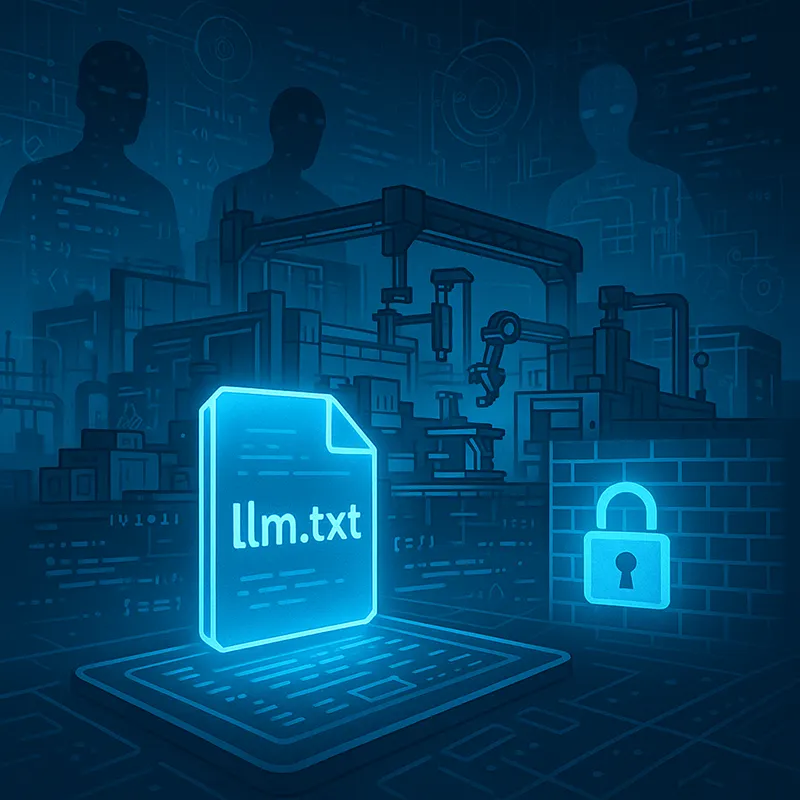
Running an llm.txt File for Manufacturing
Safeguard proprietary data from unauthorized AI crawlers. Define explicit Large Language Model (LLM) access policies to control how your manufacturing content is used and shared.
What is an llm.txt File?
Think of llm.txt as the AI-era cousin of robots.txt. It’s a plain text file that gives guidance to LLMs — like ChatGPT, Claude, Perplexity, and others—on what they can or can’t use from your site.
- Allow or block specific LLMs
- Define content usage policies
- Protect sensitive directories
Preparation Steps
Audit Your Content Review content like CAD files, specs, case studies, and pricing data using a tool like Screaming Frog to grab a list of all your files for exclusion. and decide what you want protected.
| Content Type | Protect (Y/N) | Reason |
|---|---|---|
| CAD Files | Yes | Proprietary IP |
| Blog Articles | No | Brand visibility |
| Pricing Tables | Yes | Competitive sensitivity |
| Case Studies | Yes | Client confidentiality |
Next you'll want to decide on which agents (probably all of them in this case) to not allow into your files. Look for user agents like:
GPTBotClaudeBotGoogle-ExtendedPerplexityBot
Sample llm.txt File
Allow LLMs:
User-Agent: GPTBot
Allow: /

User-Agent: ClaudeBot
Allow: /
Disallow Directories:
User-Agent: GPTBot
Disallow: /cad-files/
Disallow: /pricing/
Disallow Commercial Use:
User-Agent: *
Disallow: /confidential/
Commercial-Use: Disallow
Deployment and Testing
- Place at:
https://yourdomain.com/llm.txt - Test using
curl https://yourdomain.com/llm.txt - Optional: Add to your sitemap
<url>
  <loc>https://yourdomain.com/llm.txt</loc>
</url>
Summary Table
| Step | Task | Tool/Tip |
|---|---|---|
| 1 | Audit public content | Screaming Frog |
| 2 | Define what to restrict | Spreadsheet |
| 3 | Identify LLM bots | Cloudflare logs |
| 4 | Write and deploy llm.txt | Text editor |
| 5 | Monitor regularly | GA4 or bot tools |
JSON-LD Example
<script type="application/ld+json">
{
  "@context": "https://schema.org",
  "@type": "WebPage",
  "name": "Official Website",
  "url": "https://yourdomain.com/",
  "identifier": "https://yourdomain.com/llm.txt",
  "license": "https://yourdomain.com/llm.txt",
  "potentialAction": {
    "@type": "AuthorizeAction",
    "agent": {
      "@type": "Organization",
      "name": "OpenAI"
    },
    "instrument": "https://yourdomain.com/llm.txt"
  }
}
</script>